
Trane thermostats — including the XR402, XL824, XL850, and older TCONT series — are reliable controls, but when they stop responding or display errors, they can prevent your entire HVAC system from operating. This guide walks through the most common Trane thermostat problems, what causes them, and what you can fix yourself versus what requires a technician.
If you are in the St. Louis area and need help with your Trane thermostat or HVAC system, call Thomas Hoffmann Air Conditioning & Heating at (314) 471-7625.
Trane Thermostat Models Covered
- Trane XL850 / ComfortLink II — color touchscreen smart thermostat, WiFi-enabled, communicating
- Trane XL824 — touchscreen smart thermostat, WiFi-enabled, communicating
- Trane XR724 — touchscreen comfort control, non-communicating
- Trane XR402 (TCONT402) — programmable thermostat, non-communicating
- Trane XR302 / XR303 (TCONT302/303) — standard programmable thermostats
- Trane XR202 / XR203 — older programmable models still widely in service
Common Trane Thermostat Problems
Trane Thermostat Screen is Blank or Not Responding
Most likely cause: Dead batteries or no power
Most Trane programmable thermostats (XR402, XR302, XR202 series) are battery-powered or use batteries as a backup. If the screen is completely blank:
- Replace the batteries with fresh AA or AAA alkaline batteries (check your model)
- Check the circuit breaker for the HVAC system — some thermostats draw power from the air handler
- Check the furnace or air handler power switch — if the equipment is off, the thermostat may lose power
- Check for a blown 3-amp fuse on the furnace or air handler control board — this is a very common cause of a dead thermostat and is a 5-minute fix
For Trane smart thermostats (XL824, XL850) that are hardwired: a blank screen after a power outage usually resolves by cycling the breaker. If the screen stays blank with confirmed power at the unit, the thermostat or its wiring may have failed.
Trane Thermostat Locked — How to Unlock
Trane thermostats have a keypad lock feature that prevents accidental or unauthorized changes. If you try to adjust the temperature and nothing happens, the thermostat may be locked.
To unlock a Trane programmable thermostat (XR402, XR302 series):
- Press and hold the + (plus) and − (minus) buttons simultaneously for 3–4 seconds
- The lock indicator (usually a padlock icon) should disappear from the display
To unlock a Trane XL824 or XL850 smart thermostat:
- Navigate to Menu → Settings → Lockout
- Select Unlocked and confirm
- If a PIN is required and you do not know it, a factory reset will clear the lockout (note: this will erase programming)
Trane Thermostat Not Reaching Set Temperature
If the thermostat is set to a temperature and the system runs but cannot reach it, the problem is almost always with the HVAC equipment — not the thermostat itself. Common causes include:
- Dirty air filter restricting airflow
- Low refrigerant charge (for cooling)
- Undersized system for the home
- Duct leakage losing conditioned air before it reaches living spaces
- Poor thermostat placement — if the thermostat is in a location that gets direct sunlight or is near a heat source, it will read higher than the actual room temperature and short-cycle the cooling system
Trane Thermostat Shows Incorrect Temperature
If the thermostat's displayed temperature does not match the actual room temperature, the thermostat sensor may be dirty, damaged, or the thermostat may be in a poor location. Thermostat placement significantly affects accuracy — units mounted on exterior walls, near windows, in direct sunlight, or above heat-generating electronics will read inaccurately.
On communicating Trane systems, the thermostat can be calibrated through the settings menu. If calibration does not resolve the issue, the internal temperature sensor may have failed.
Trane XL824 / XL850 WiFi Connection Problems
The Trane XL824 and XL850 smart thermostats connect to your home WiFi network for remote access and Trane Home app integration. Common WiFi issues include:
- Thermostat not connecting after router change: You need to re-enter your WiFi credentials. Go to Menu → Wi-Fi and select your network.
- Thermostat offline in Trane Home app: Usually resolves by power-cycling the thermostat (turn off at breaker for 30 seconds) or restarting your router.
- 5GHz vs 2.4GHz: Trane smart thermostats connect to 2.4GHz networks only. If your router broadcasts both, make sure the thermostat connects to the 2.4GHz band.
Trane Thermostat Showing a Fault or Error Code
On communicating Trane systems, the XL824 and XL850 display system fault codes directly on the screen. These codes come from the HVAC equipment (air handler, outdoor unit, or furnace) — not from the thermostat itself. The thermostat is simply the display interface.
Common displayed faults include:
- “High Pressure” or “Low Pressure” — refrigerant circuit fault in the outdoor unit (see our Trane AC fault codes guide)
- “Communication Failure” — loss of signal between system components
- “Check Filter” — reminder based on a programmed filter change interval, not a fault
- “System Offline” — power loss or communication loss to one component
How to Reset a Trane Thermostat
Trane XR402, XR302, XR202 (programmable thermostats): Remove the batteries for 30 seconds, reinstall, and reprogram your settings.
Trane XL824 / XL850 (smart thermostats):
- Soft reset: Go to Menu → Settings → Reset → Restart
- Factory reset: Go to Menu → Settings → Reset → Factory Reset — this clears all programming, WiFi settings, and user preferences. Use only as a last resort.
Note: A thermostat reset will not clear fault codes generated by the HVAC equipment. Equipment faults must be resolved at the source — the furnace, air handler, or outdoor unit.
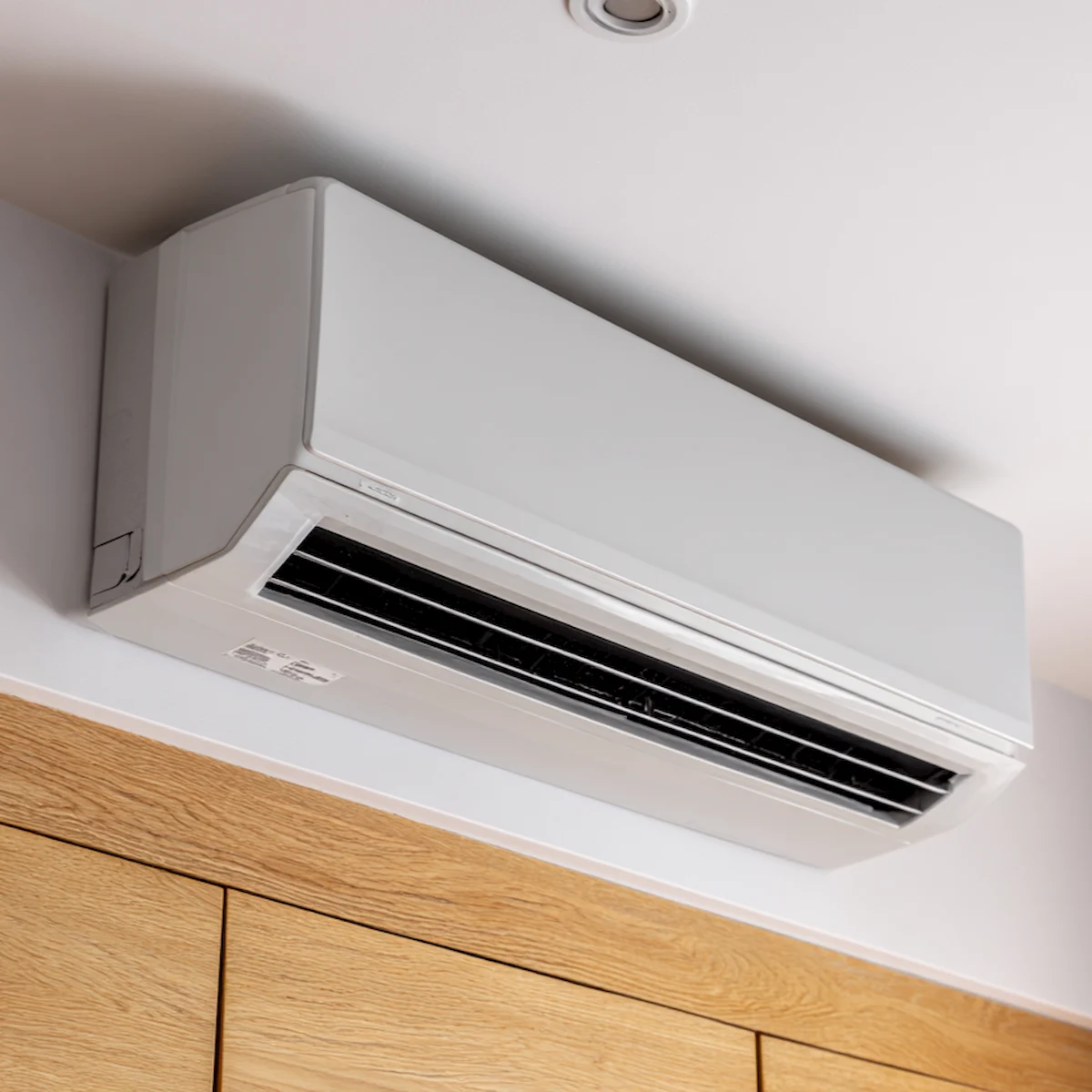
When a Thermostat Problem Is Actually an Equipment Problem
A very common service call scenario: the homeowner replaces their thermostat hoping to fix a heating or cooling problem, only to discover the thermostat was fine and the actual fault is in the furnace or AC. Before replacing a thermostat, confirm that the HVAC equipment itself is receiving a call for heating or cooling and that the issue is not a fault code from the equipment.
If your Trane system has a communicating thermostat and it is displaying fault codes, those codes are telling you the problem is in the equipment — not the thermostat. Replacing the thermostat will not clear equipment faults.

Trane Thermostat and HVAC Service in St. Louis
Thomas Hoffmann Air Conditioning & Heating provides full Trane system service in the St. Louis metro — including thermostat diagnosis, replacement, and programming for all Trane thermostat models. If your Trane thermostat is not working correctly or you are seeing fault codes on your system, call us at (314) 471-7625.
Related resources: Trane furnace fault codes | Trane AC fault codes | Trane furnace repair St. Louis | Trane AC repair St. Louis
24/7 Service Call Now
At Thomas Hoffmann Air Conditioning & Heating, we pride ourselves on being a locally owned and operated HVAC company. With more than 30 years of experience and a master technician and mechanical engineer as our owner, we can replace, repair, and maintain your business or home’s HVAC system.